Second-hand clothes · Uzbekistan
Wardrobe to wardrobe.
Clothes, shoes and bags that people sell from their own wardrobes. Pick what you like and message the seller on Telegram.

Open on your phoneScan with your camera — brandy.uz/get
1 294 active listings100+ new ones every day




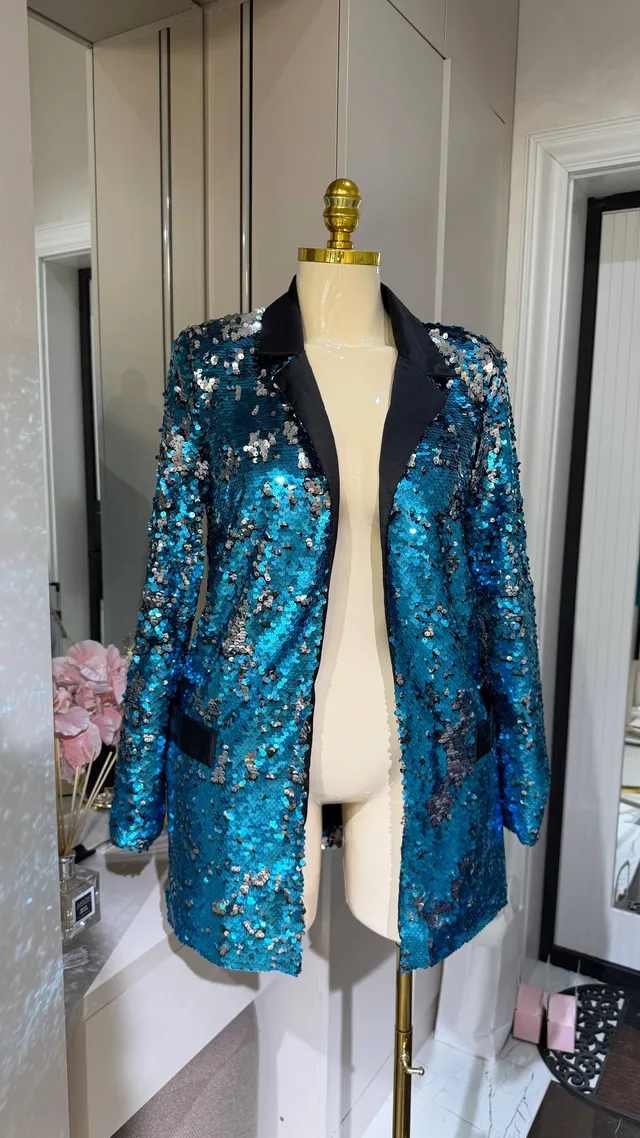
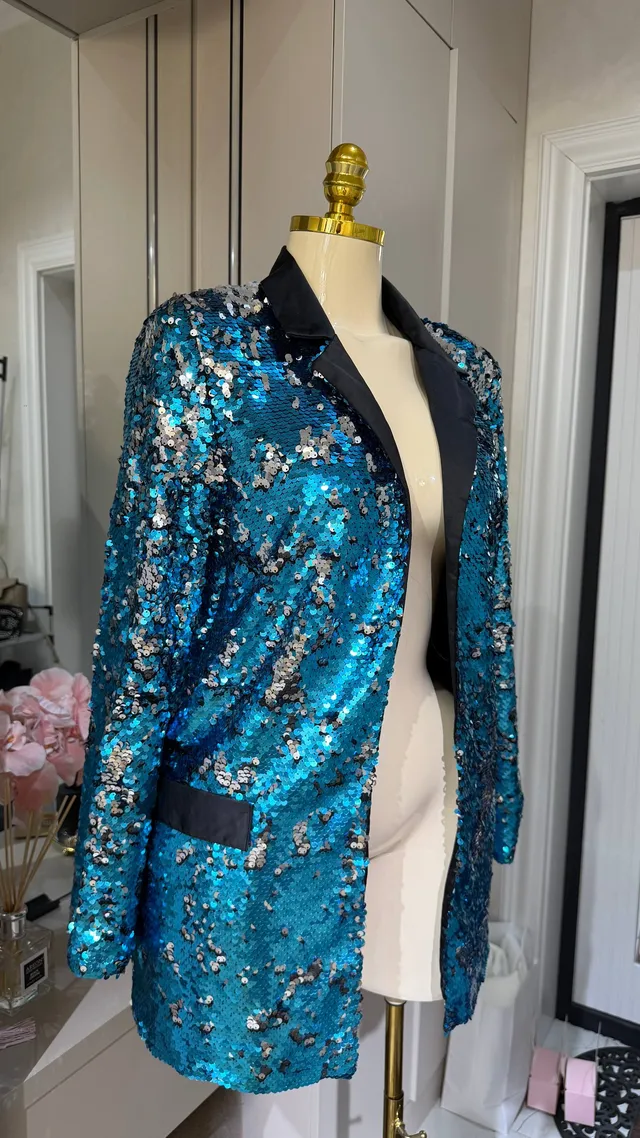
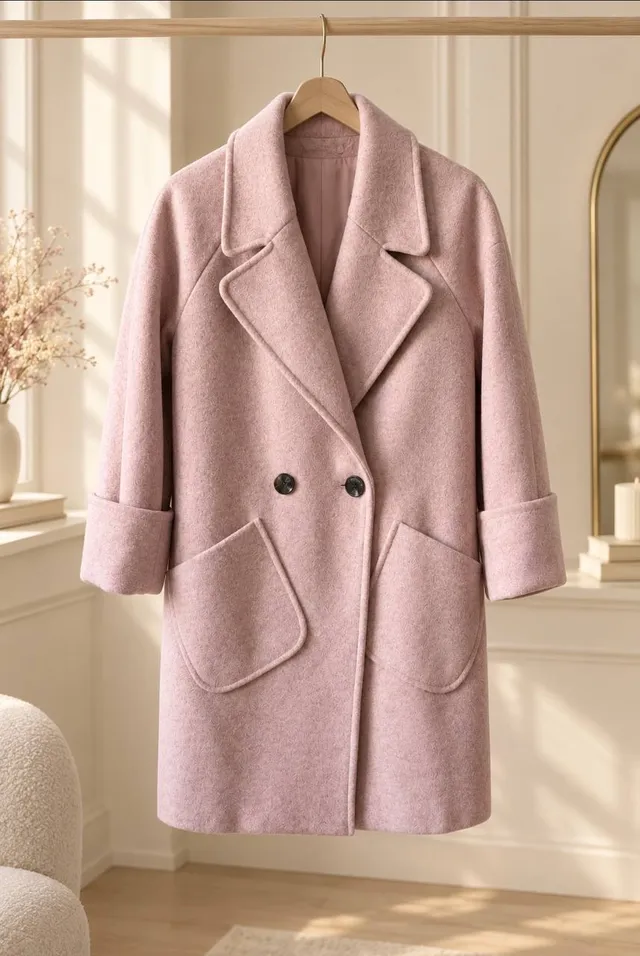
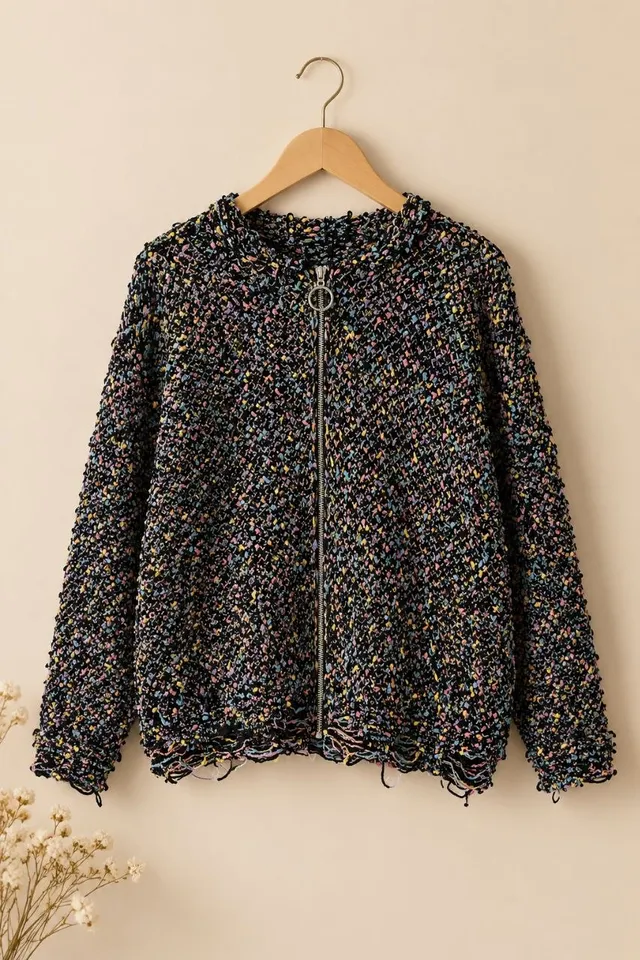
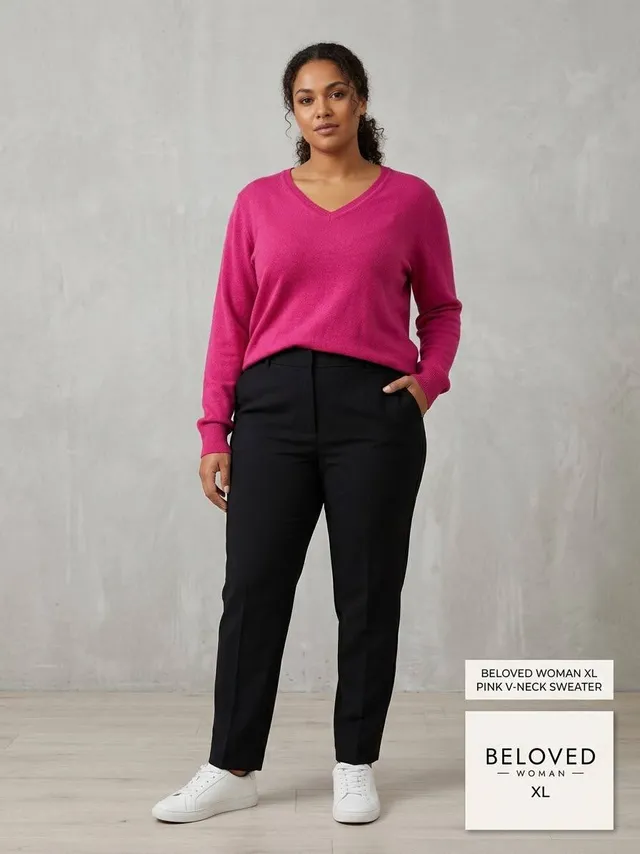
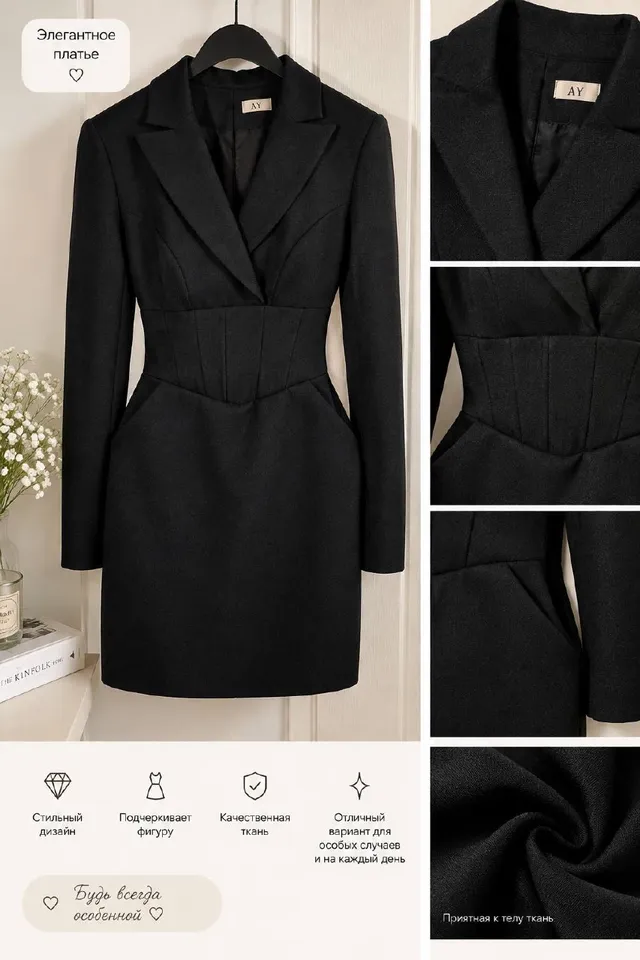
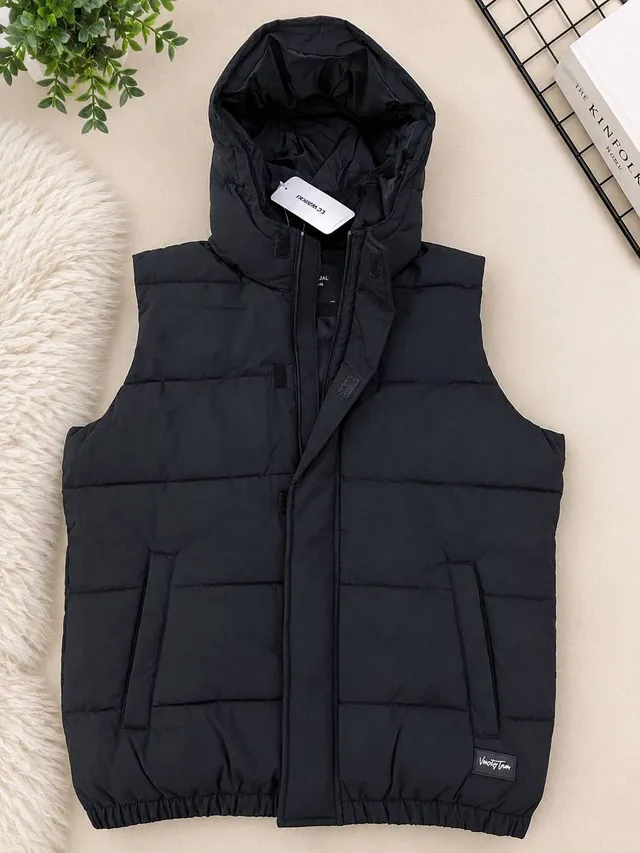
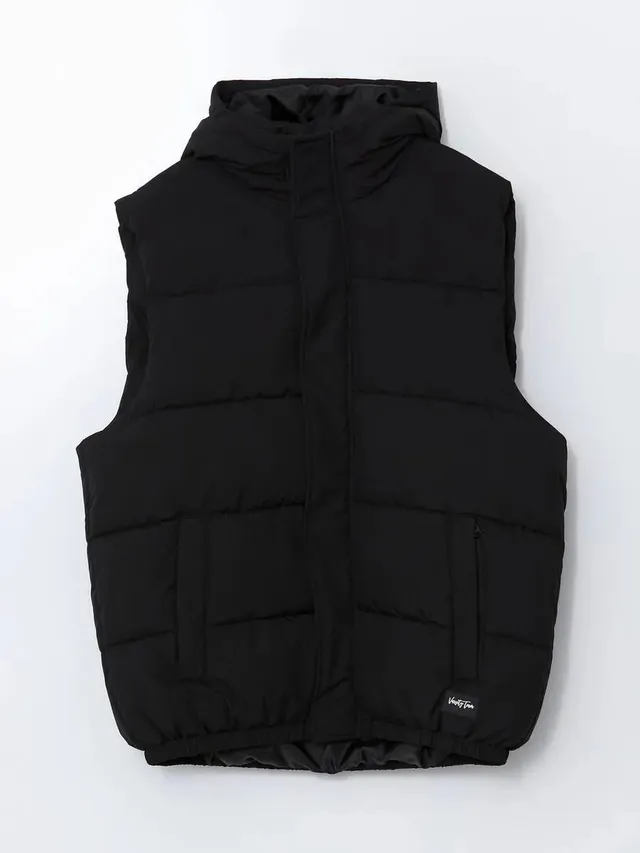
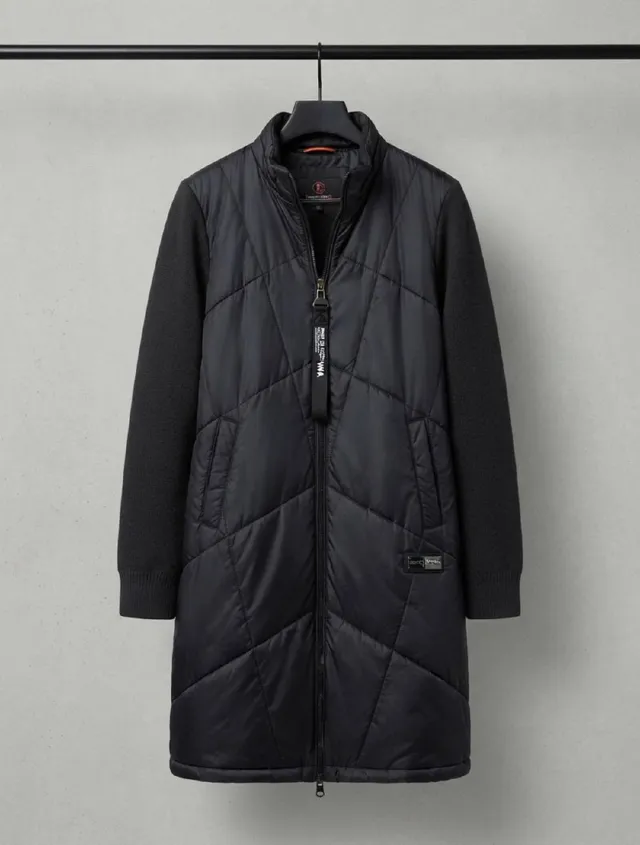
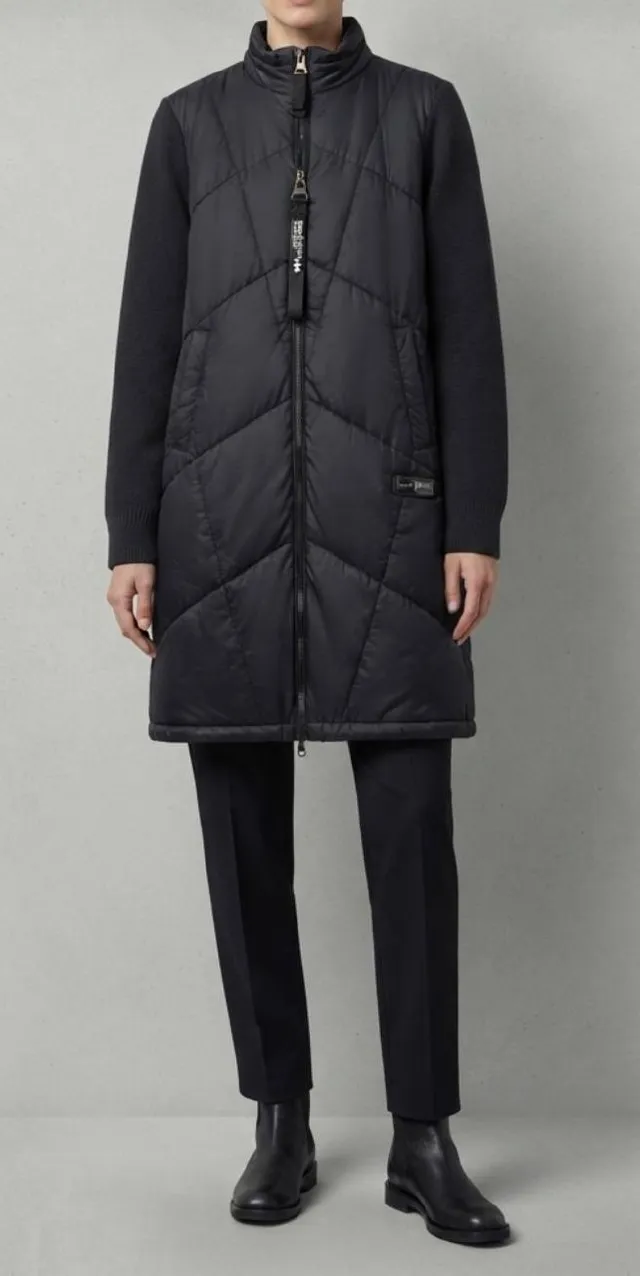
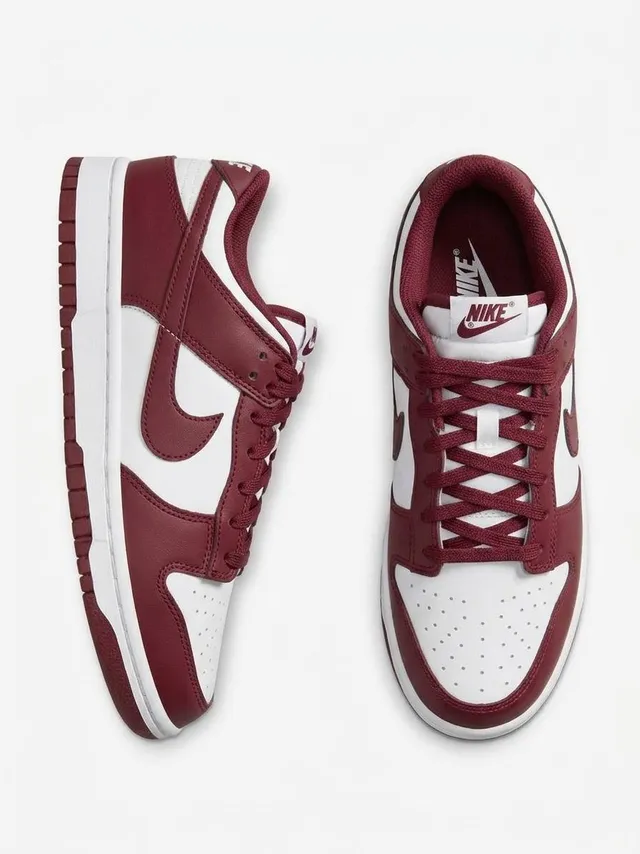

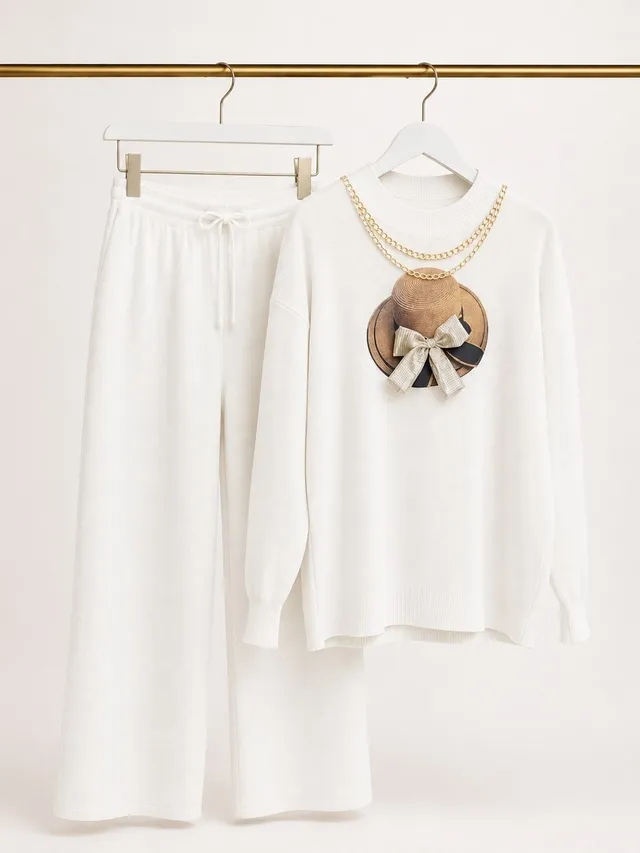
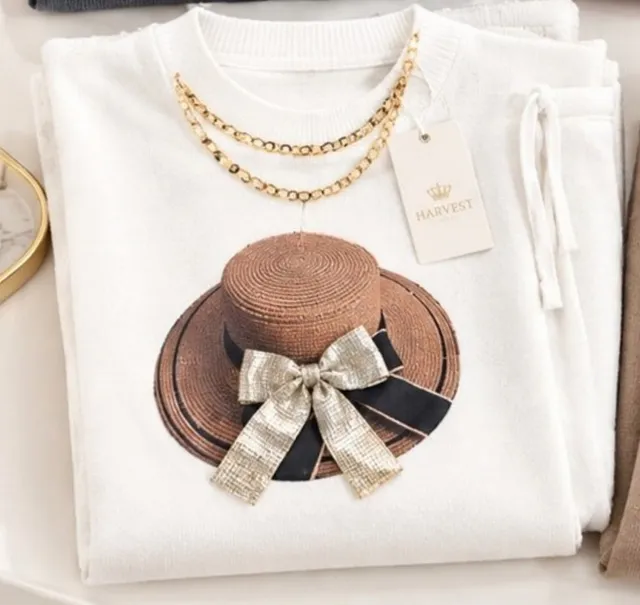
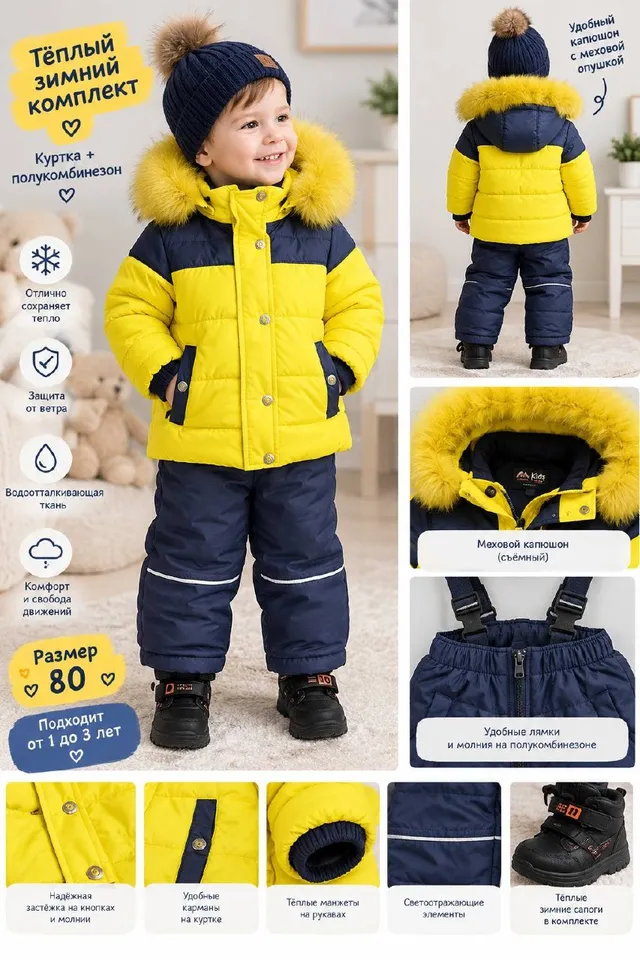
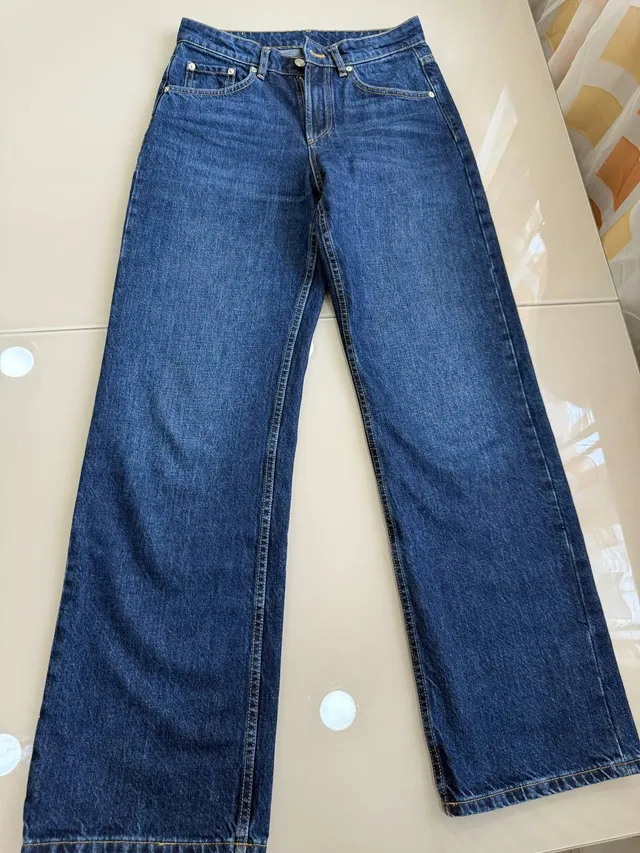


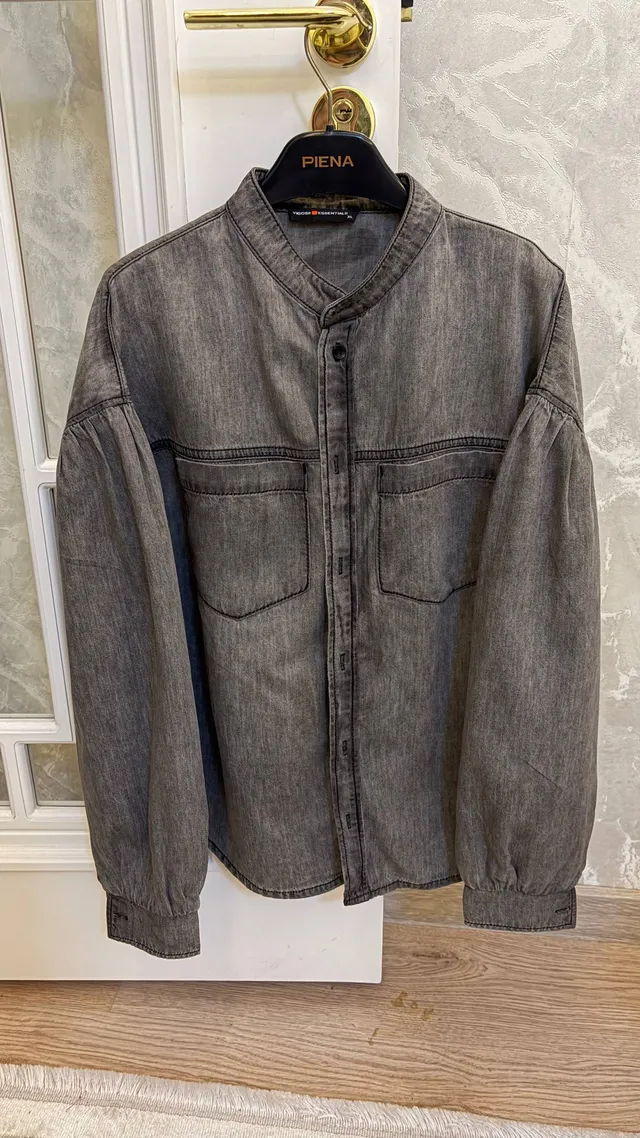

Feed
Added today
Over 100 new listings every day, straight from people’s wardrobes.
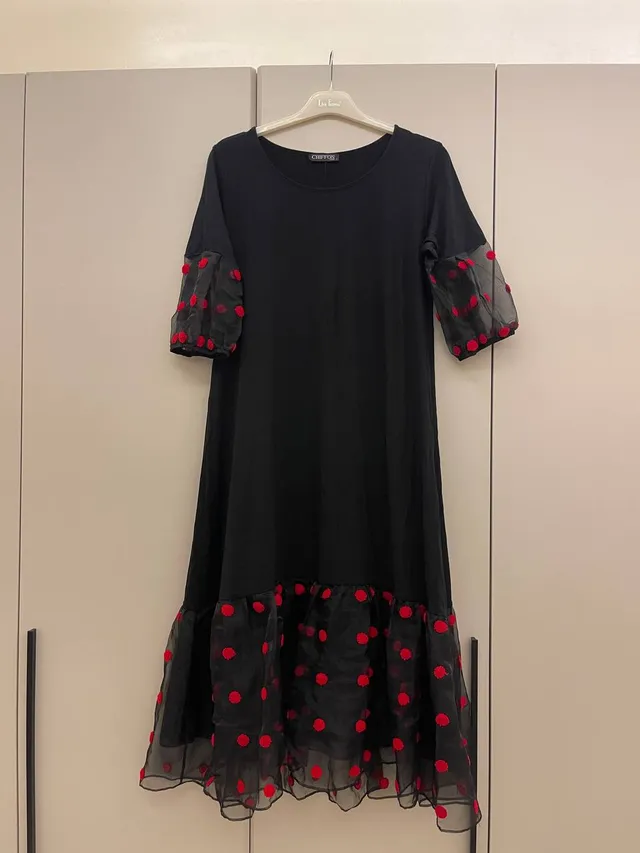 Chiffon · Women’s100 000 UZS
 CHIMA · Твидовый пиджак180 000 UZS
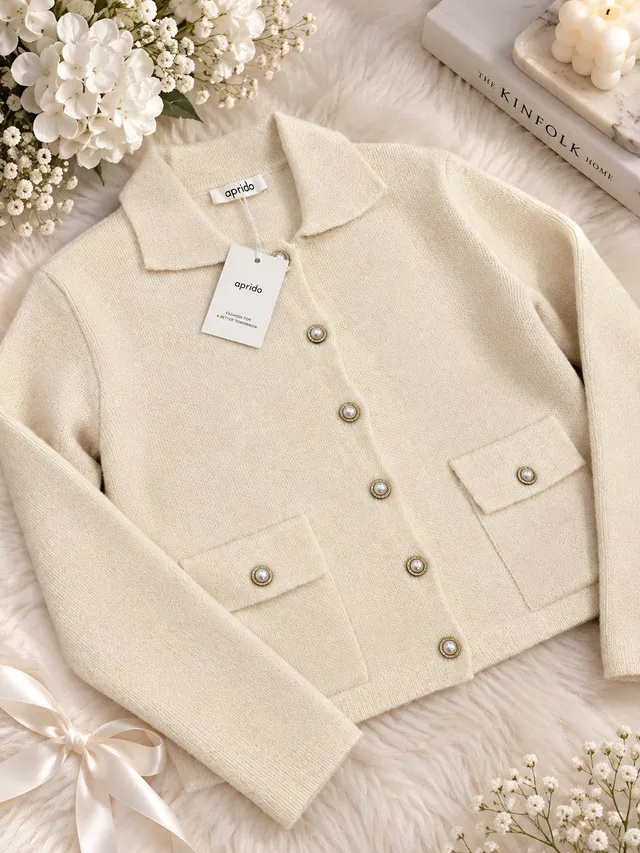 Aprido · Cardigan170 000 UZS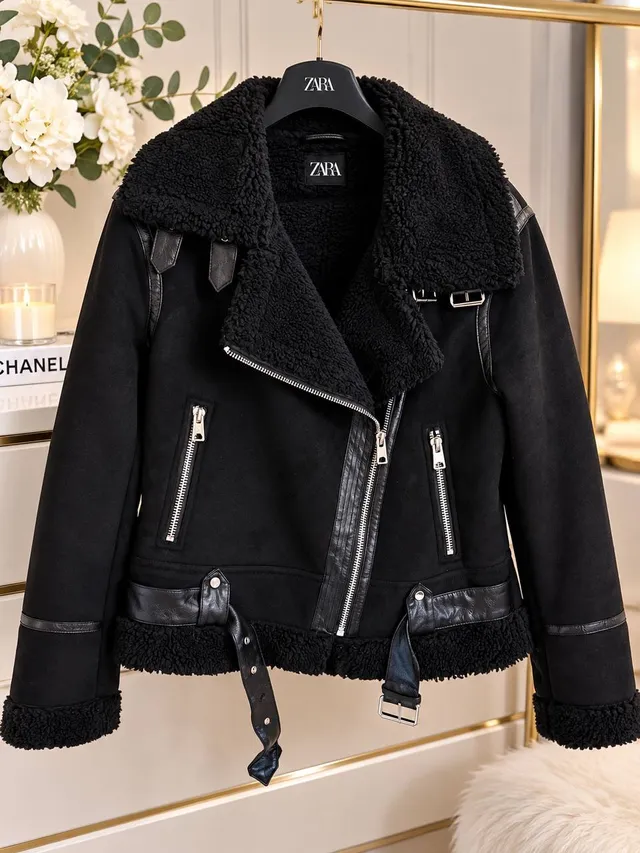
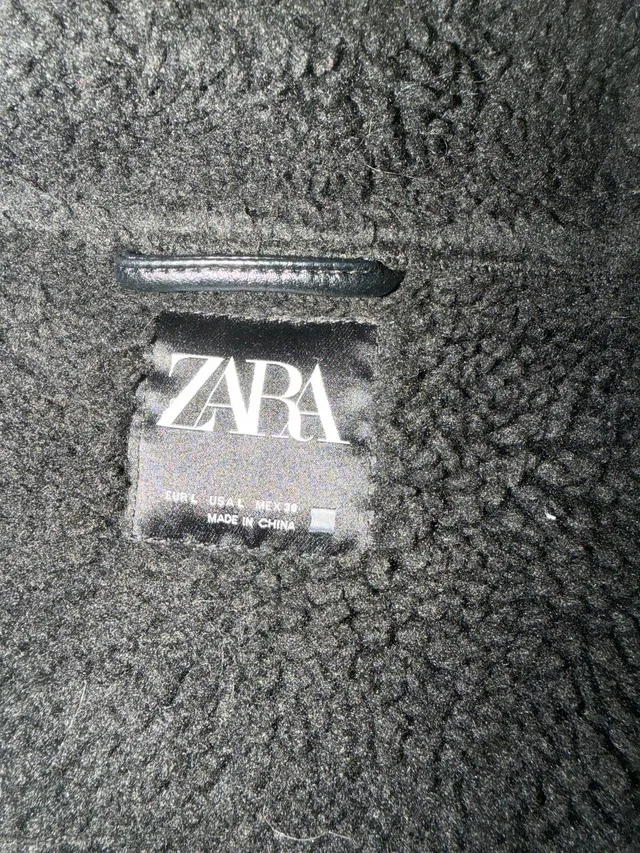 Zara · Куртка авиатор350 000 UZS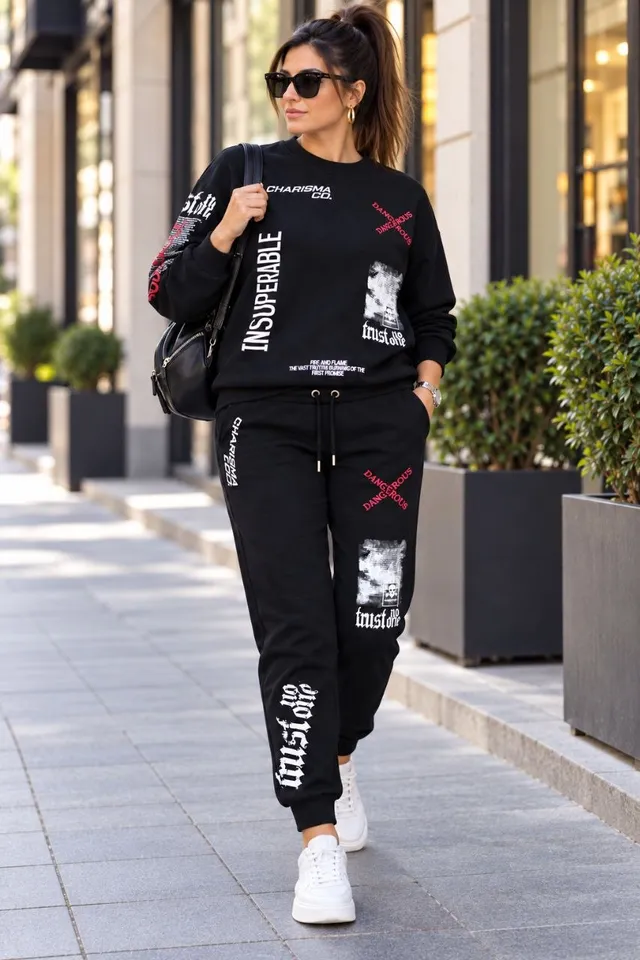
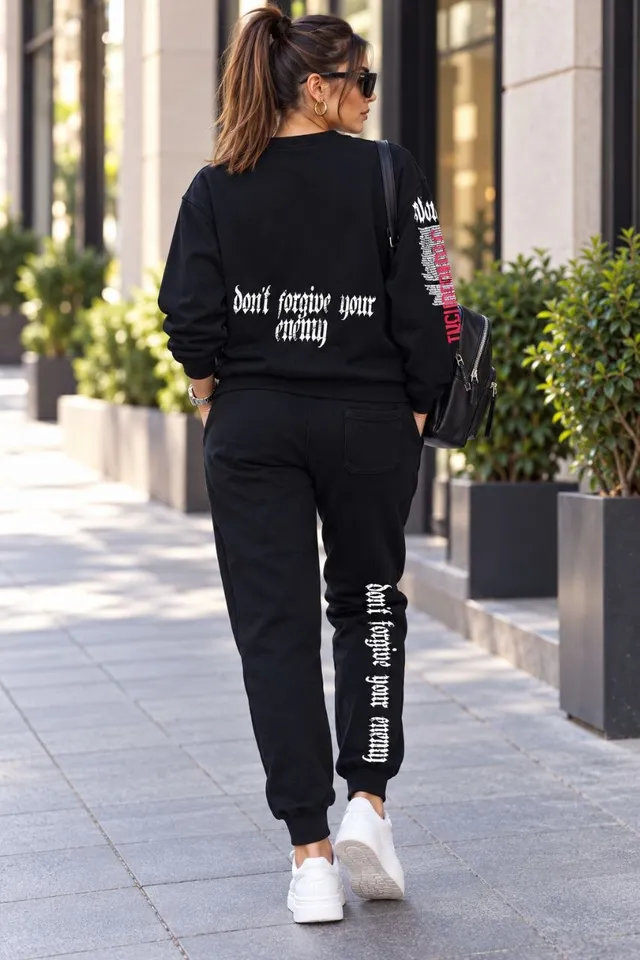 CHIC&CHARISMA · Двойка130 000 UZS
 LC Waikiki · Куртка и сумочка1 500 000 UZS
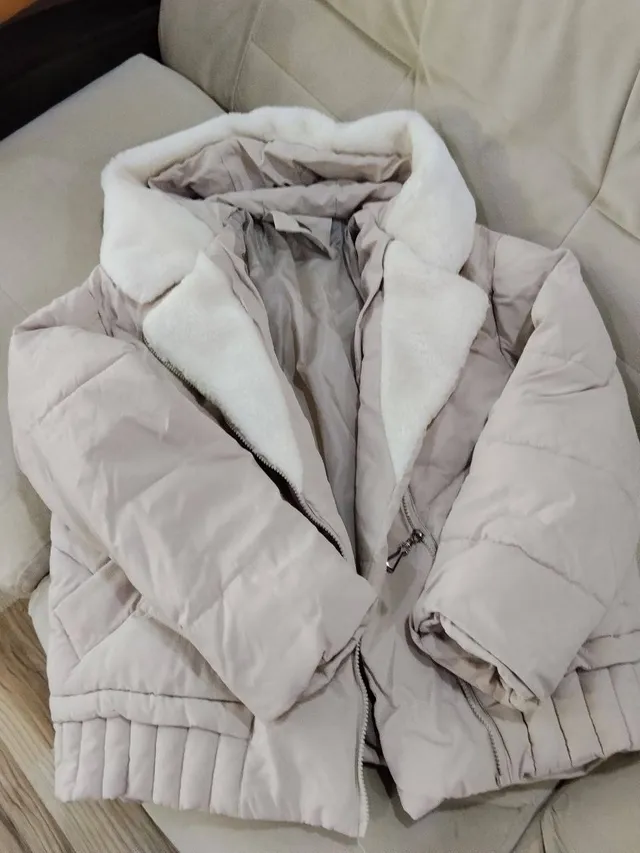 ANAKI · Оверсайз курточка180 000 UZS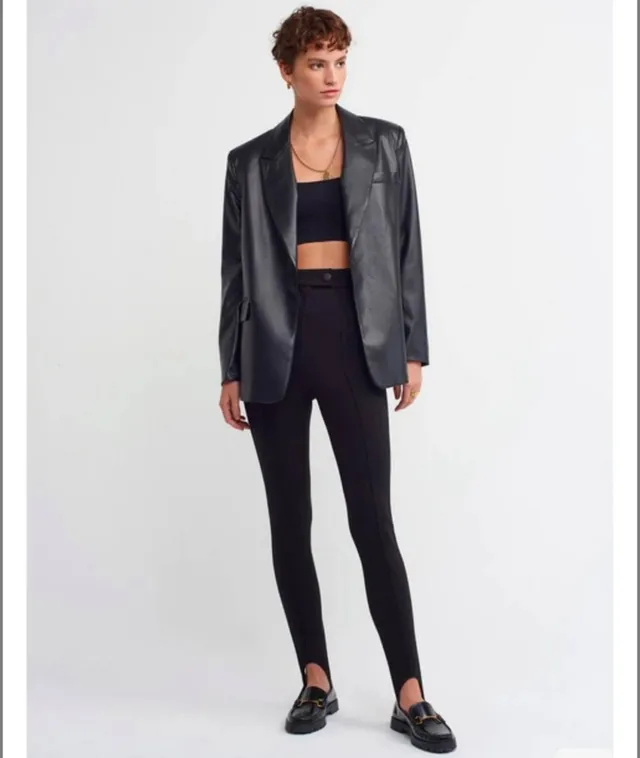
 Dilvin · Кожаный пиджак350 000 UZS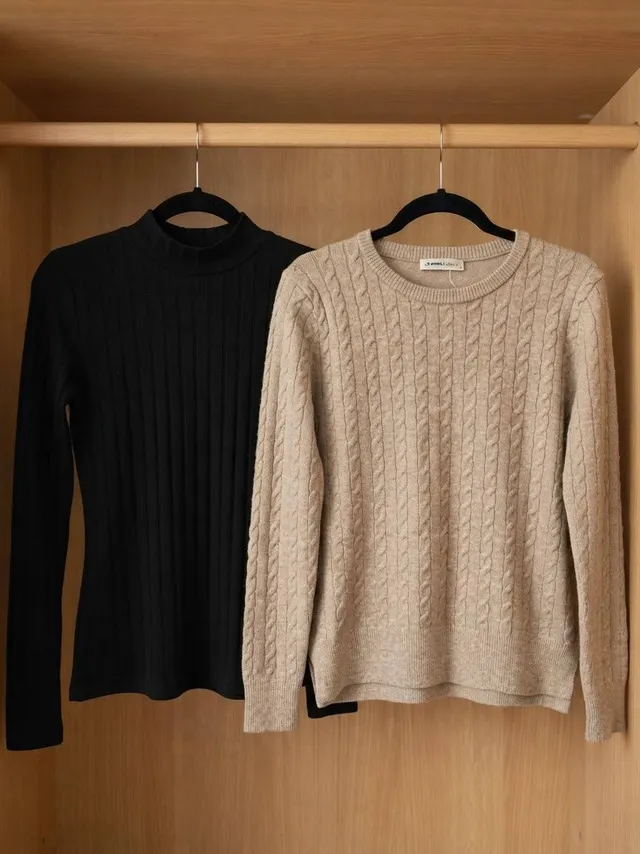
 LC Waikiki · Sweater180 000 UZS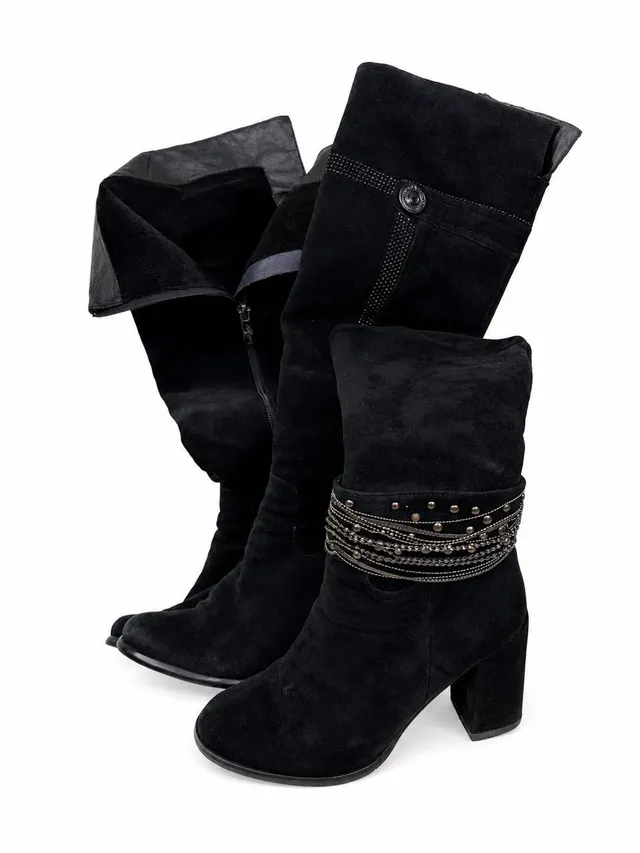
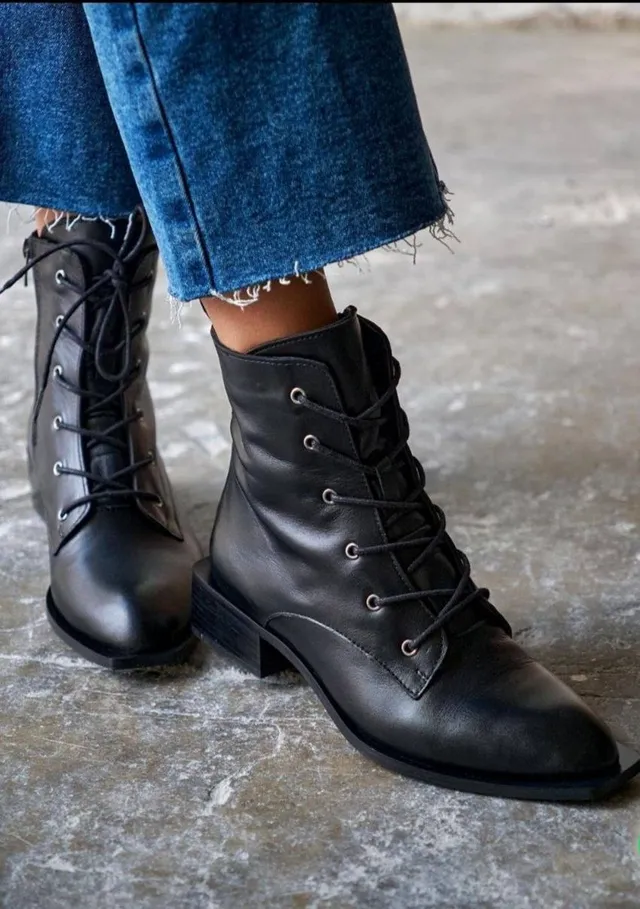
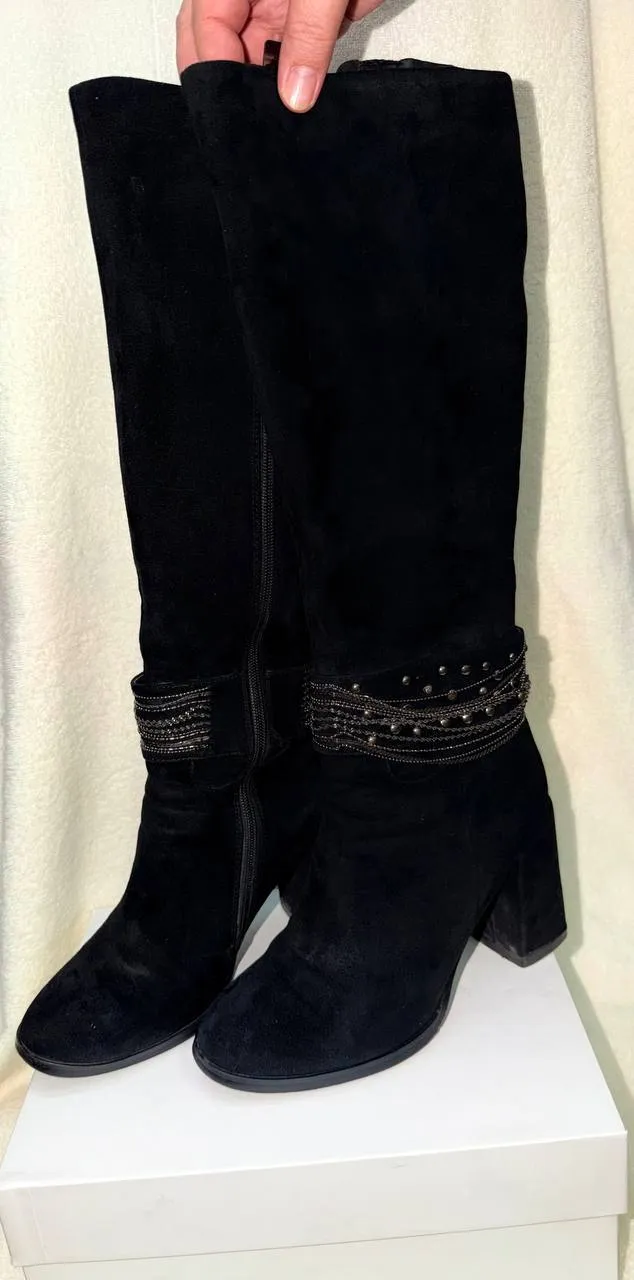 POSIOT · Сапожки150 000 UZS
1 284 more listings
Browse the feed
POSIOT · Сапожки150 000 UZS
1 284 more listings
Browse the feed
Inside the app · 01–05
Let the app show you
From the feed to your own listing in five steps, each one on a phone screen.
-
01 Feed
New clothes every day.
The feed shows listings from people near you, newest first. “Top brands” puts your favourite labels up front, and “For you” picks clothes in your size.
Browse the feed -
02 Search
Find the one you want.
Filter by brand, category, size, condition and price. Only want originals? Switch on “Original”.
-
03 Discover
One item, the whole screen.
In Discover, every listing opens full screen. Swipe up and the next one appears.
-
04 Message
Like it? Message the seller.
Tap “Message” and a Telegram chat with the seller opens. You agree on the price and the meetup yourselves: Brandy takes no commission and handles no payments.
-
05 Sell
Not wearing it? Sell it.
Photos, brand, size, price: your listing is ready in a couple of minutes, in the app and on the @brandyuz_official channel. Clothes without a brand are welcome too.
Start selling
01Feed
Gestures
Small details
Your fingers already know them: familiar gestures, no extra buttons.
Tap twice
Mark the piece you like in an instant.
Take a closer look
Zoom in with two fingers: fabric and seams up close.
Pull down
The feed refreshes, with new listings on top.
Safety
Deal with peace of mind
Four things that make dealing with a stranger easier.
- 01
No phone number needed
Sign in with Telegram or Apple. Brandy never asks for your phone number.
- 02
Report and block
You can report any listing or profile and block anyone you don’t want to deal with.
- 03
Listings are moderated
Every listing goes through moderation. The seller marks each item as “Original” or “Replica”.
- 04
No commission
Brandy takes no cut and handles no payments. You agree on the price directly with the seller.
Get the app
Open it on your phone.
On iPhone, get it from the App Store. On Android and other phones, Brandy opens right inside Telegram, no app needed.
Point your camera at the QR codebrandy.uz/get